A whole new level of application approval.
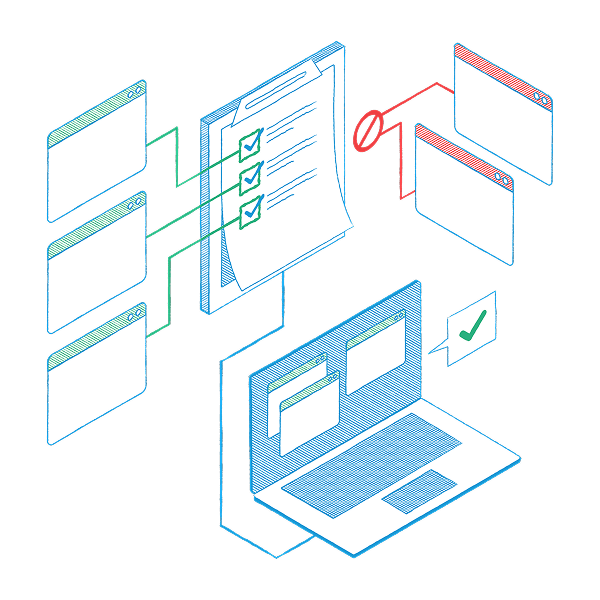
The ThreatLocker® User Store is a catalog of pre-approved applications that lets your users run the apps they need—without compromising your cybersecurity stance. Once you set up your library, you can easily manage license keys and counts there as well. Best of all, you save time, reduce frustrations, and keep your security framework strong without extra effort as users install new apps.
Fact: Zero Trust is the most robust and secure approach to cybersecurity.
Also a fact: It can introduce user experience challenges—authentication fatigue, access delays, and added complexity.
At the core of our Zero Trust solutions, we’ve tackled these challenges head-on with Cyber Hero® 60-second response times and a streamlined application approval process. Now, we’re raising the bar even higher with the new ThreatLocker User Store application. A user needs to install an application on their machine. The requested application is not on your current Allowlist. This is how the ThreatLocker User Store comes to the rescue.
1. Instead of denying the request, we offer a list of compatible pre-approved apps from the ThreatLocker User Store. If the requested app is in the ThreatLocker User Store, we present it directly—no alternatives needed.
2. The user chooses the application option, and the rest is a breeze:
Your users now have a new application on their device with minimal disruption to their project. They feel empowered and in control, and you didn’t have to do anything to maintain your secure Zero Trust environment.


Quickly offer safe app alternatives protected by Allowlisting and Ringfencing™. This way, you reduce the risk of unsafe alternatives.

Users gain swift access to the apps they need. And you don’t need to put in ongoing extra effort to make it happen.

Permit access to applications for a specified amount of time. Automatically block the application after the policy has expired.
Try ThreatLocker free for 30 days and experience full Zero Trust protection in your own environment.
Schedule a customized demo and explore how ThreatLocker aligns with your security goals.
Just starting to explore our platform? Find out what ThreatLocker is, how it works, and how it’s different.