Register today for Zero Trust World 2026!

Stop data exfiltration before it starts.

Enforce precise, policy-based control over local folders, network shares, and cloud storage to prevent data breaches, insider misuse, and accidental exposure.
Prevent internal data exfiltration
Restrict access to sensitive folders and stop unauthorized file transfers.
Protect regulated and high-value data
Ensure only approved users and applications can access critical systems and repositories.
Gain full audit visibility into file activity
Track who accessed, modified, moved, or deleted data—across endpoints and cloud storage.

Define who gets access and under what conditions to your sensitive files.

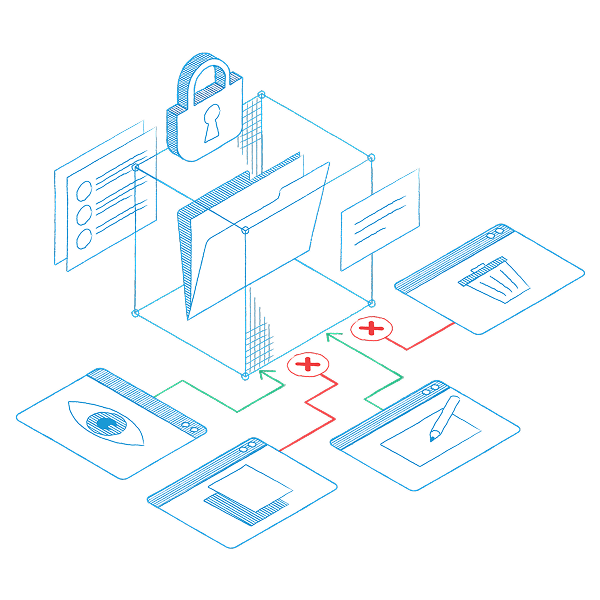
With ThreatLocker data storage access control, you gain granular, policy-driven control over data access across:

  • Local folders.
  • Network shares.
  • OneDrive and SharePoint.
  • Cloud-connected storage.
  • Endpoint file systems.

You control:

  • Who can access data.
  • Which applications can handle it.
  • When it can be accessed.
  • What actions are permitted.

Create policies based on:

  • User or group.
  • Endpoint or organization.
  • Application.
  • File location and type.
  • Time of access.

When someone attempts to access a file:

Approved? Access is granted within defined limits. Not approved? Access is blocked instantly.

You can also:

  • Trigger alerts for excessive file activity.
  • Automatically lock down systems during suspicious behavior.
  • Track every read, write, move, and delete action.
  • Integrate automated containment for large-scale exfiltration attempts.

Every action is logged and every access is accountable.

Pair data access policies with application containment.
Limit which applications can access sensitive folders, and then restrict what those applications can do. For example: Allow Excel to open finance files. Prevent it from launching PowerShell or making outbound connections. Now even if a trusted app is hijacked, it can’t exfiltrate data.
ThreatLocker provides that extra key to block anomalies that nothing else can do. It gives me a great deal of comfort as an IT director.

Mark Toalson
IT Director
City of Champaign, IL

Your benefits
Stop unauthorized data access
Sensitive files stay protected even from trusted applications.
Reduce insider threat risk
Access is limited by policy, not assumption.
Gain complete visibility
See exactly who touched what data and when.
Respond to threats in real time
Trigger automated containment when abnormal file behavior is detected.
The results?
No uncontrolled file access or silent data exfiltration. No guesswork during investigations. Your data stays under your control, even during an attack.