Stop unknown code from executing and encryption from ever starting.

Enforce execution control, contain trusted tools, and eliminate the lateral pathways ransomware depends on, without disrupting operations.
Deny unapproved execution by default, restrict how approved tools behave, and cut off the paths ransomware uses to spread and encrypt.
Move from chasing ransomware to structurally preventing it.

How we stop ransomware in your environment

Endpoints

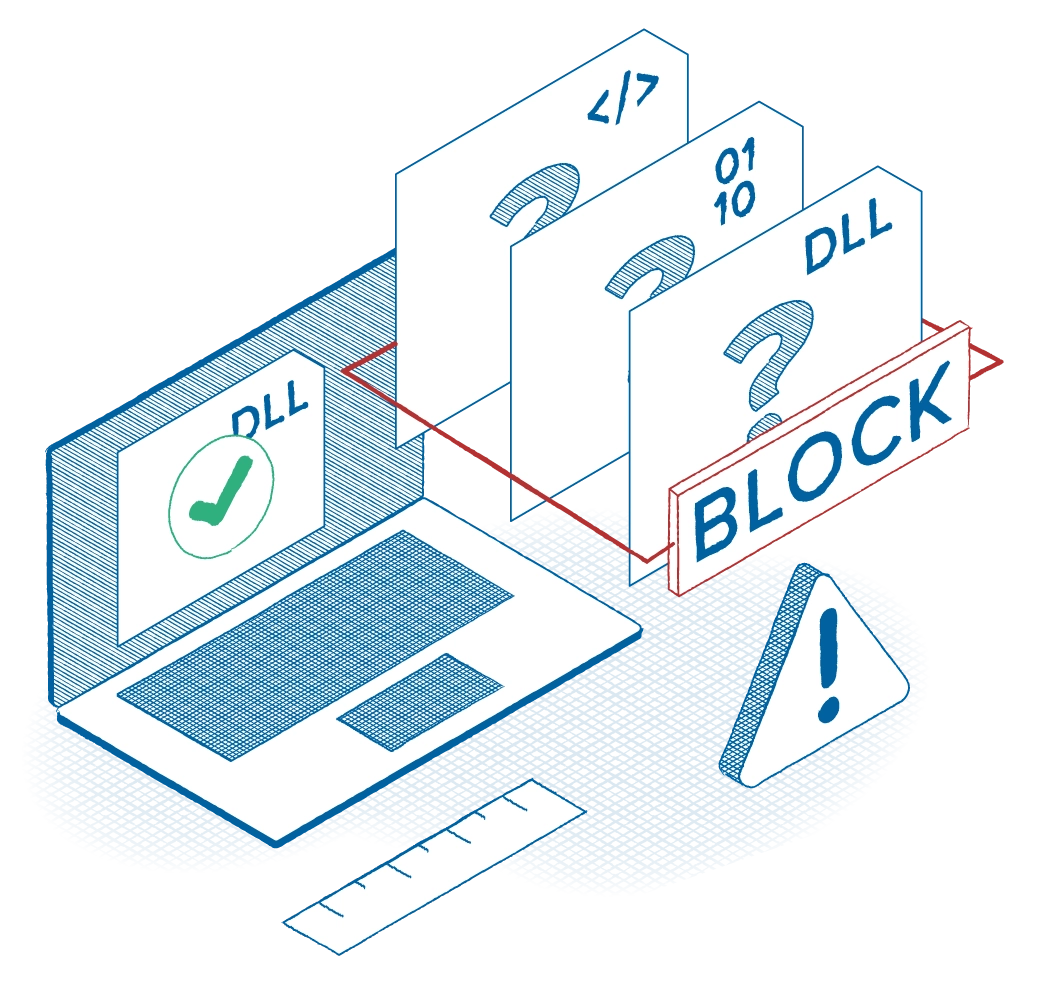
Deny-by-default execution for unknown binaries, scripts, and libraries.

See every app, dependency, and update in your environment. Control exactly what runs, when, where, and by whom.

Contain trusted tools so they can’t launch cyber kill chains. Word can open documents, but should not spawn PowerShell. PowerShell can execute approved scripts, but not initiate outbound internet connections. PDF readers can render files, but not write executables into system directories or inject into other processes.

Detect abnormal file activity and stop mass encryption fast. Automatically block excessive file writes, restrict share access, and trigger device-level lockdown before ransomware spreads.
Deny-by-default is your fastest way to break ransomware.
We've had several other deployments where we've deployed, and it just seems to drag out and take months and months and months before you see any real measurable value from it. With ThreatLocker, I think within the first week, we were seeing measurable results from it as we were deploying the different tool sets within it. So, for me, it was a terrific experience and continues to be so.
Jeff Lutes
Executive Vice President of Technology
Orlando Magic
Cloud
Maintain secure cloud access, even if credentials are compromised.
Stolen passwords and intercepted tokens shouldn’t mean a breach.

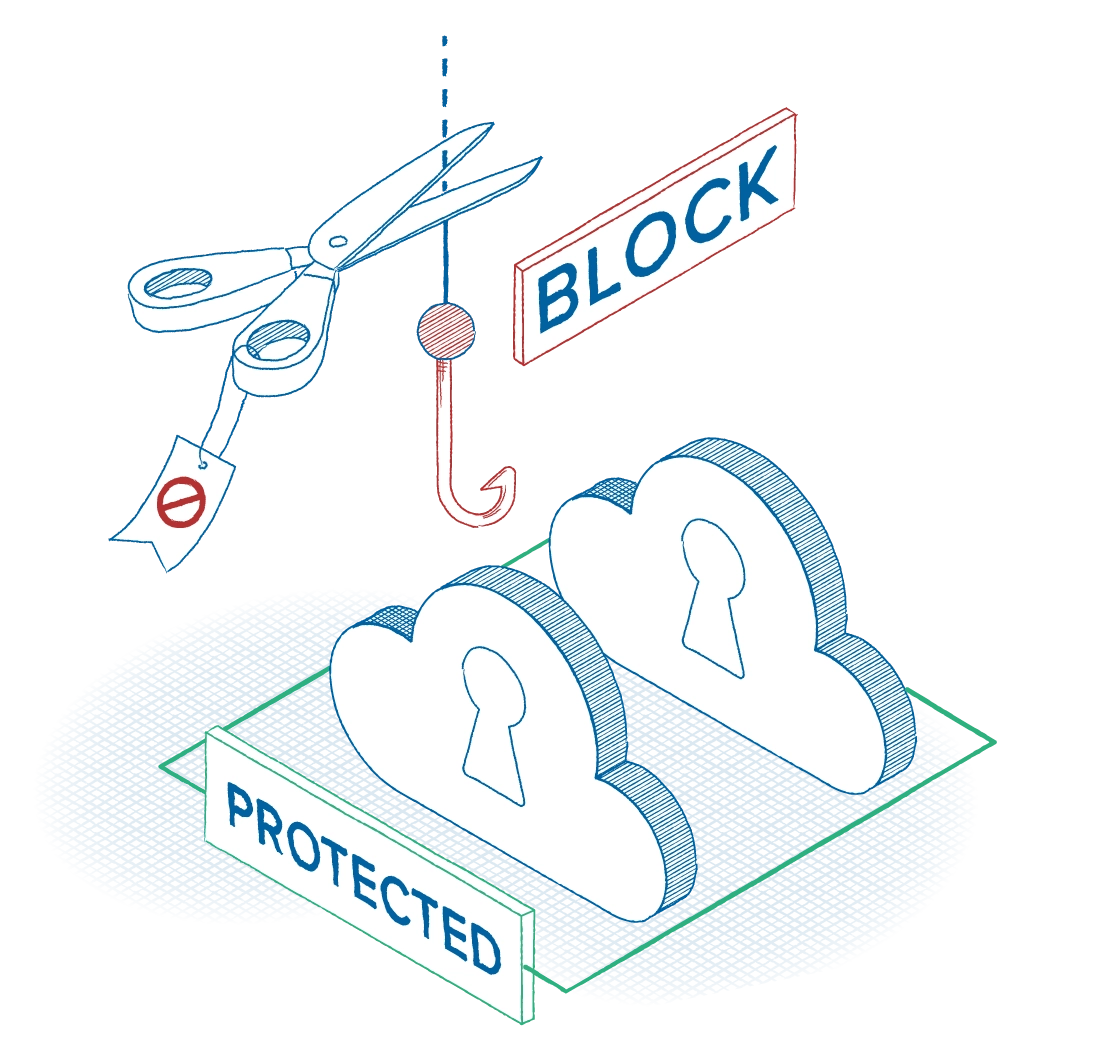
Route all cloud traffic through a secure, ThreatLocker-managed gateway. Cloud connections originate only from an authorized network, preventing attackers from accessing platforms from rogue infrastructure or unknown networks.

Automatically block access if the device and network aren’t trusted. Even if credentials are correct and a token is intercepted, access is denied when the request doesn’t come from an approved device on the network.

Render phishing and token theft ineffective. If a user falls victim to phishing, attackers still can’t access your cloud resources because authentication alone isn’t enough. The device itself must be trusted as well.

Strengthen governance and compliance with granular controls. Define exactly which devices can access specific services or URLs using tag-based policies, enforce device registration, and support FIPS-compliant routing where required.
If the device doesn’t match approved hardware and IP validation, access is denied.
With ThreatLocker, attackers can’t bypass your defenses, even with valid credentials in hand.
Network

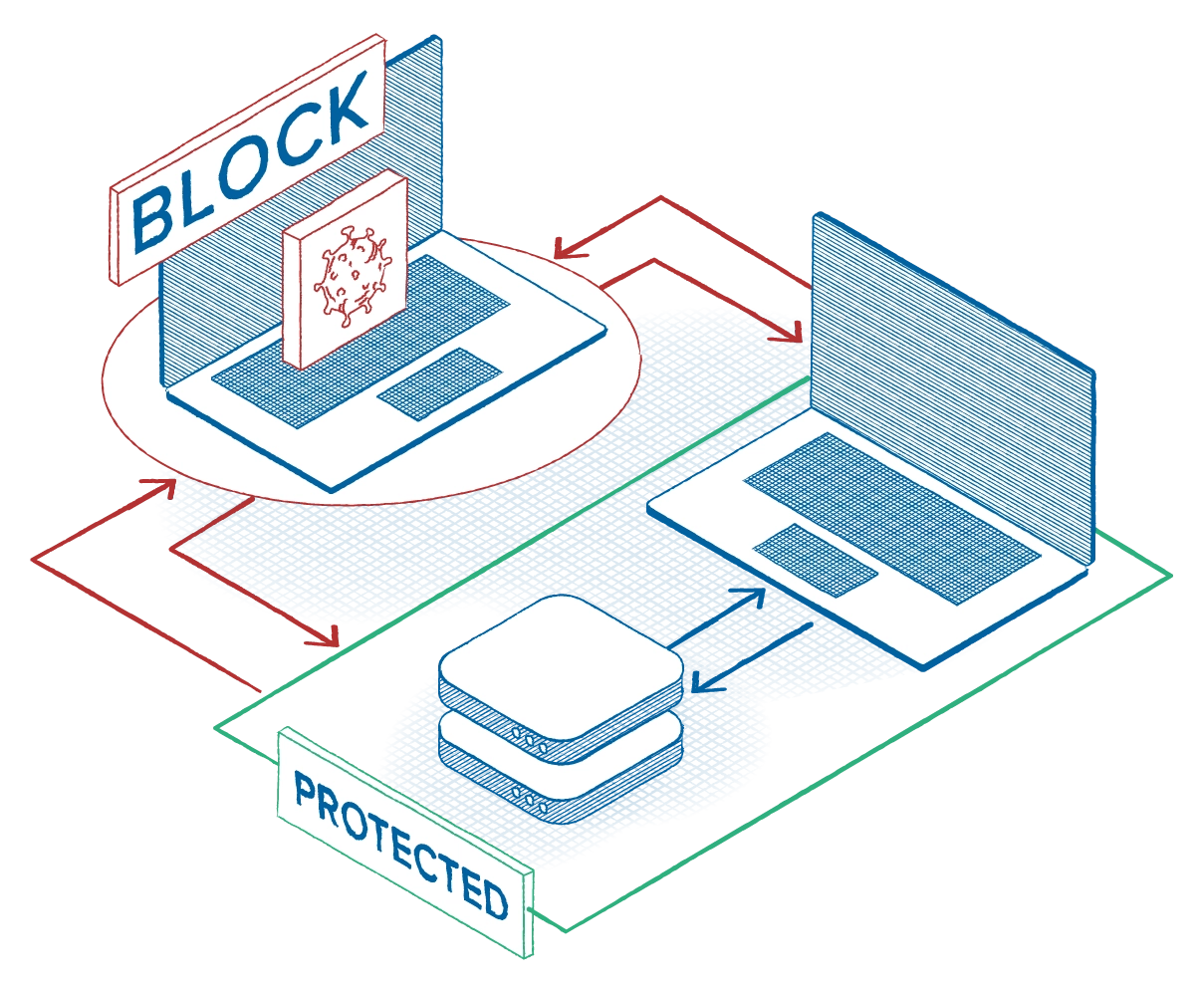
Default-deny east-west traffic; permit only explicitly approved device-to-device communications.

Use dynamic ACLs that automatically update as IP addresses change, ensuring only validated devices can reach protected systems. Unauthorized connection attempts receive no response, making servers effectively invisible unauthorized devices.

Restrict administrative protocols (RDP, SMB, WinRM, SSH) to hardened, approved source devices only.

Automatically isolate compromised endpoints at the device level, immediately severing lateral movement paths while keeping the rest of the network operational.

Apply time-bound policies with expirations. Need a network scanning tool Friday at 5 p.m.? Grant access for that device, that port, and that application only.

Support regulatory and federal standards with FIPS-validated routing options and tightly controlled, policy-enforced network access.
It’s time to turn ransomware into a non-event.

Stop remote ransomware encryption

Cybercriminals can run unprotected devices on your network to encrypt files on protected devices connected to your network, bypassing and evading detection tools. With ThreatLocker, you stop remote encryption before it starts. Now, you can validate connected devices and ensure untrusted devices cannot access your network resources.
Book a demo
Control the connection
With device-level network control, every connection is validated before it’s allowed.
If a device isn’t explicitly approved, it cannot:

Reach file servers.

Access sensitive shares.

Move laterally across your environment.
Deny by default and only allow by exception. If it’s not trusted, it doesn’t connect. And if it can’t connect, it can’t remotely encrypt.
Build a strong, layered deny-by-default policy stack. Start with execution control, deny unknowns by default, approve only what your business needs; create containment rules for office, browsers, PowerShell; next—close lateral paths (east-west traffic, allow server access to approved devices only). Finally, automate the response: Trigger device isolation, restrict file access, and shut down risky processes the moment abnormal behavior appears.
Request info