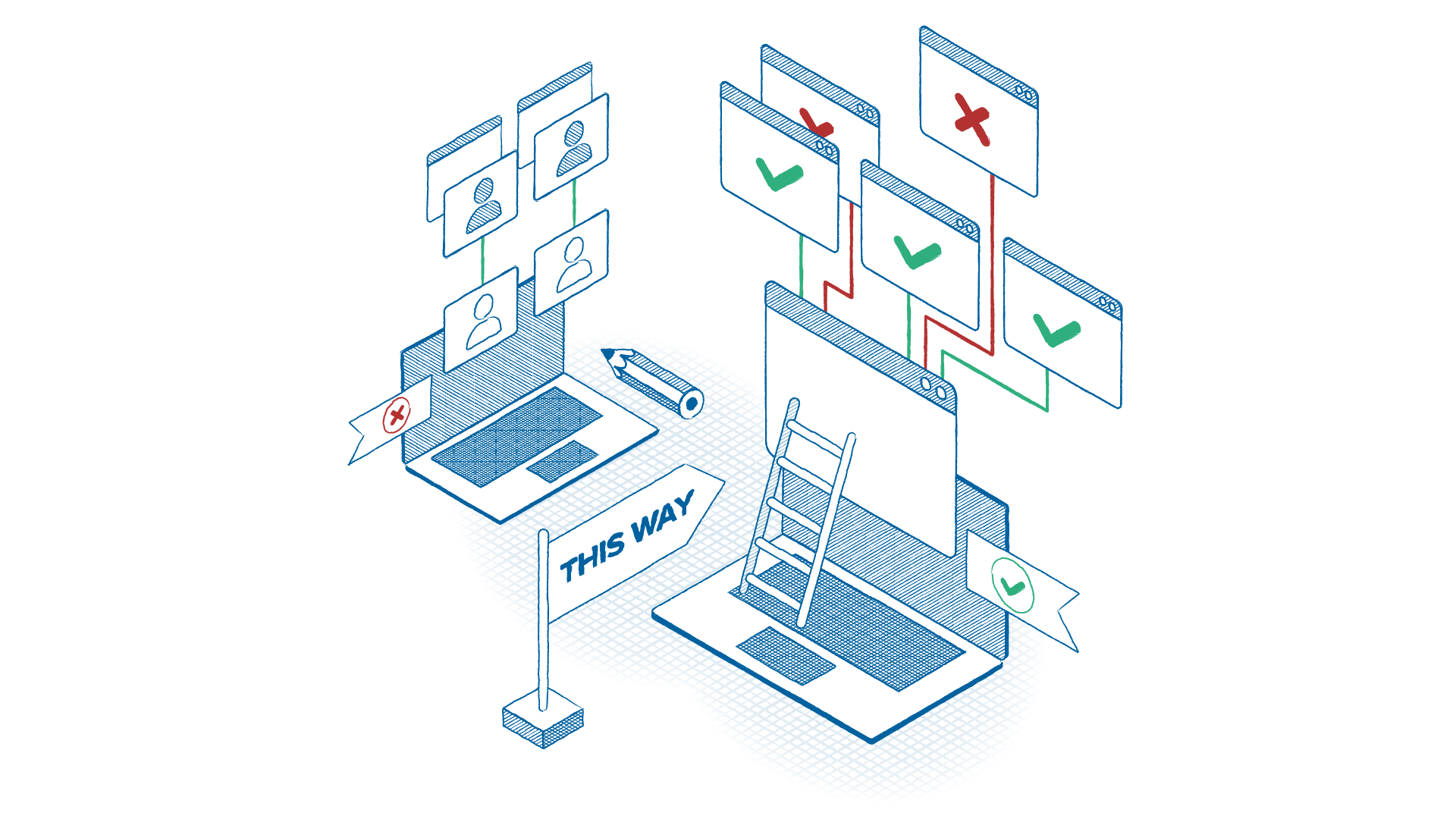
Remove excessive admin privileges and instantly reduce the risks of a breach

Grant elevated access only where it’s needed at the application level, eliminate credential exposure, and prevent privilege abuse before it turns into lateral movement or ransomware.
Eliminate standing local admin rights
Remove broad administrative access and replace it with application-specific elevation to dramatically reduce credential abuse and lateral movement risk.
Prevent privilege escalation and admin credential theft
Stop attackers from harvesting or abusing admin passwords by eliminating credential entry on endpoints and tightly controlling elevation events.
Enforce least privilege for compliance
Demonstrate enforceable least privilege controls aligned to NIST, CMMC, CIS Controls, and other frameworks while running business operations uninterrupted.
Dormant accounts, misconfigurations, and excessive permissions open the door to breaches. Managing these privileges is time-consuming and error prone. With ThreatLocker, you can grant administrative access without giving up control and mitigate your risk.
Minimize the risks of local admin privilege abuse by assigning administrative rights at the application level, not the user level. This allows users to run approved applications with elevated privileges, without ever needing full local admin access.
ThreatLocker saves us time by streamlining processes and reducing the need for constant monitoring.
Bo Olsen
Security Engineering Manager
Eastern Bank

Here’s how it works:

Deploy the ThreatLocker agent
identify what’s running and auto-generate a list of those applications.
Approve which applications can run as local admin
Elevate a new application simply and securely.
Further harden elevated applications
Deploy application containment policies within your ThreatLocker agent to prevent application hopping and lock down potential attack vectors

Your benefits

No password exposure
Admins no longer need to enter their credentials on standard endpoints. Instead, they can request elevation for specific applications. No password typed, no risks of admin credentials exposure and theft.
Stronger security posture
The fewer admin rights in your environment, the smaller your attack surface and the lower your risk of breach.
Less operational friction
Users can run the tools they need with the right level of access: No bottlenecks or support tickets.
Smarter, granular control
Set time limits by user, group of users, or applications. Keep control in your hands without slowing anyone down.
Create a “High-risk application elevation” policy.
Identify tools attackers commonly abuse—PowerShell, Command Prompt, scripting engines, remote admin utilities—and require explicit, time-bound elevation for those applications only.
Request info

The results?

No more standing admin rights and no exposed credentials. No unnecessary privilege for attackers to exploit. Users get the access they need. Your attack surface shrinks and your control expands. Your breach risk drops immediately.